Lower your internet bill
61% of people overpay for their internet.
Are you one of them?
Unlock exclusive offers in your area!
Call now
[tel]Enter zip code

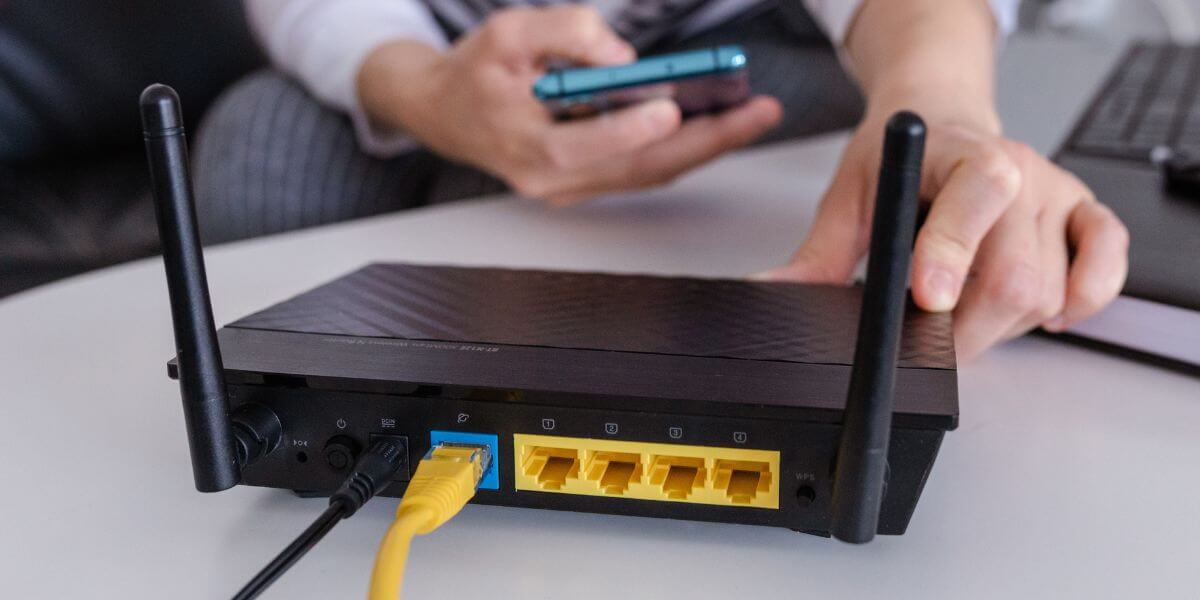
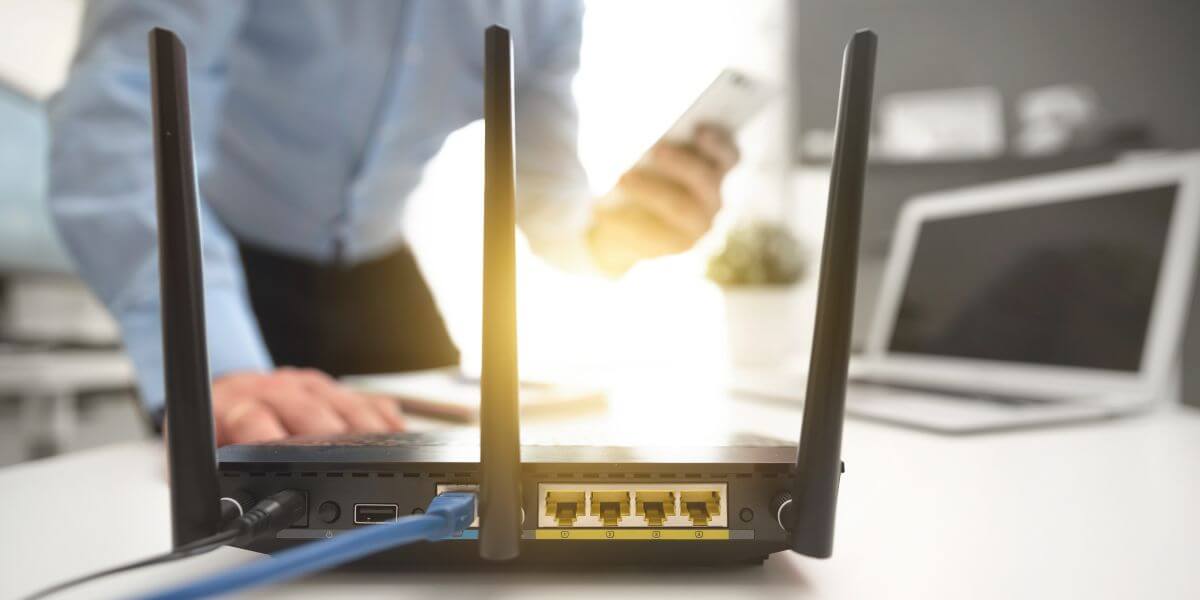
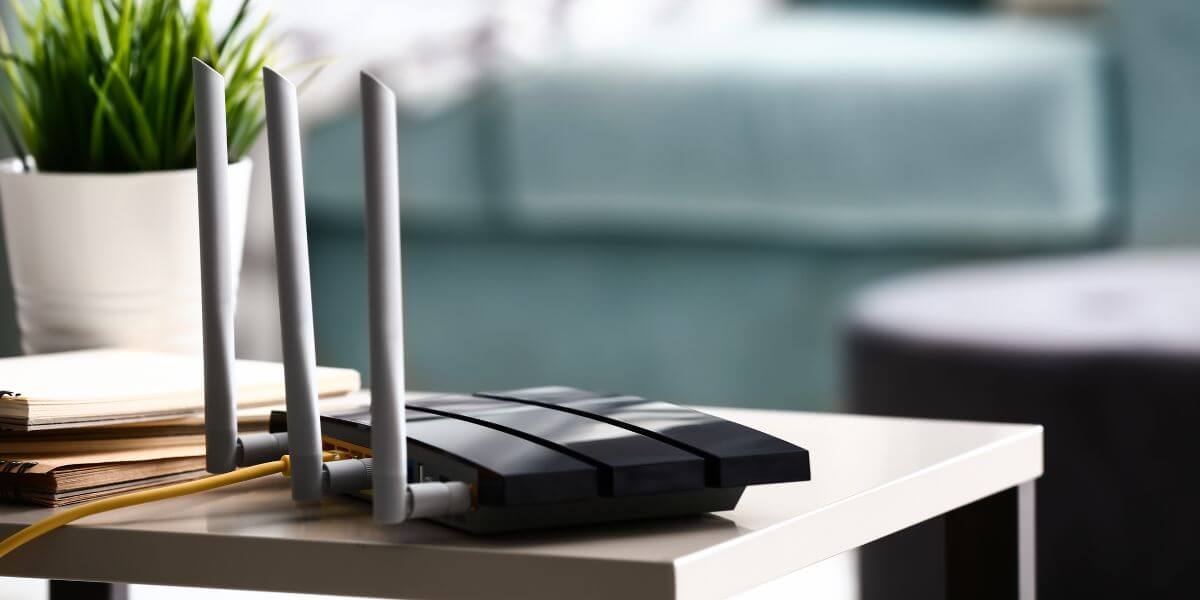
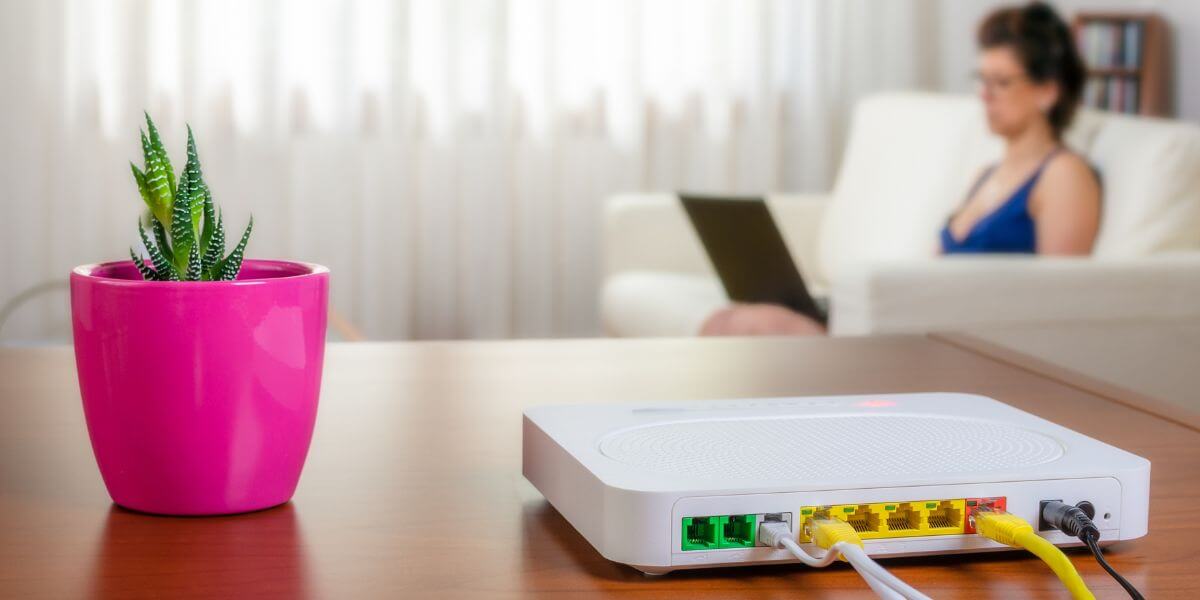
{ "@context": "https://schema.org", "@graph": [ { "@type": "Organization", "@id": "https://compareinternet.com/#organization", "name": "Blog", "logo": { "@type": "ImageObject", "@id": "https://compareinternet.com/#logo", "url": "https://content.isg.us/wp-content/uploads/2023/03/compare-internet-logo-compress.svg", "contentUrl": "https://content.isg.us/wp-content/uploads/2023/03/compare-internet-logo-compress.svg", "caption": "Blog", "inLanguage": "en-US", "width": "144", "height": "63" } }, { "@type": "WebSite", "@id": "https://compareinternet.com/#website", "url": "https://compareinternet.com/", "name": "https://compareinternet.com/", "publisher": { "@id": "https://compareinternet.com/#organization" }, "inLanguage": "en-US" }, { "@type": "ImageObject", "@id": "https://content.isg.us/wp-content/uploads/2025/01/ISG-CompareInternet-Hero-Image-Template-2.jpg", "url": "https://content.isg.us/wp-content/uploads/2025/01/ISG-CompareInternet-Hero-Image-Template-2.jpg", "width": "1200", "height": "750", "caption": "", "inLanguage": "en-US" }, { "@type": "BreadcrumbList", "@id": "https://compareinternet.com/blog/essential-router-security-settings/#breadcrumb", "itemListElement": [ { "@type": "ListItem", "position": "1", "item": { "@id": "https://compareinternet.com/", "name": "Home" } }, { "@type": "ListItem", "position": "2", "item": { "@id": "https://compareinternet.com/blog/", "name": "Blog" } }, { "@type": "ListItem", "position": "3", "item": { "@id": "https://compareinternet.com/blog/essential-router-security-settings/", "name": "Essential Router Security Settings" } } ] }, { "@type": "WebPage", "@id": "https://compareinternet.com/blog/essential-router-security-settings/#webpage", "url": "https://compareinternet.com/blog/essential-router-security-settings/", "name": "DISH vs Cable | Infinity DISH", "datePublished": "2025-01-23T09:13:21+00:00", "dateModified": "2025-01-23T09:13:21+00:00", "isPartOf": { "@id": "https://compareinternet.com//#website" }, "primaryImageOfPage": { "@id": "https://content.isg.us/wp-content/uploads/2025/01/ISG-CompareInternet-Hero-Image-Template-2.jpg" }, "inLanguage": "en-US", "breadcrumb": { "@id": "https://compareinternet.com/blog/essential-router-security-settings/#breadcrumb" } }, { "@type": "Person", "@id": "https://compareinternet.com/sam-watanuki/", "name": "Sam Watanuki", "url": "https://compareinternet.com/sam-watanuki/", "image": { "@type": "ImageObject", "@id": "", "url": "", "caption": "Sam Watanuki", "inLanguage": "en-US" }, "worksFor": { "@id": "https://compareinternet.com/" } }, { "@type": "BlogPosting", "headline": "Essential Router Security Settings", "keywords": "", "datePublished": "2025-01-23T09:13:21+00:00", "dateModified": "2025-01-23T09:13:21+00:00", "articleSection": "Blog", "author": { "@id": "https://compareinternet.com/sam-watanuki/", "name": "Sam Watanuki", "url": "https://compareinternet.com/sam-watanuki/" }, "publisher": { "@id": "https://compareinternet.com/#organization" }, "description": "Weak router security is like leaving your front door unlocked in a busy neighborhood. Unbeknownst to many, cybercriminals are constantly scanning home", "name": "Essential Router Security Settings", "@id": "https://compareinternet.com/#richSnippet", "isPartOf": { "@id": "https://compareinternet.com/#webpage" }, "image": { "@id": "https://content.isg.us/wp-content/uploads/2025/01/ISG-CompareInternet-Hero-Image-Template-2.jpg" }, "inLanguage": "en-US", "mainEntityOfPage": { "@id": "https://compareinternet.com/#webpage" } }, { "@context": "https://schema.org", "@type": "NewsArticle", "articleBody": "<p><span style="font-weight: 400;">Weak router security is like leaving your front door unlocked in a busy neighborhood. Unbeknownst to many, cybercriminals are constantly scanning home networks, looking for weak spots to access your personal info, banking details, or even your smart home devices. But with the right security settings, your router can go from being an open door to a digital fortress. </span></p><p><span style="font-weight: 400;">Your router is the first line of defense against online threats, from protecting your banking info to keeping your smart devices safe. With the average household now connecting over 17 devices to their network [1], having the</span><a href="https://www.compareinternet.com/blog/best-routers-and-modems/" target="_blank" rel="noopener"> <span style="font-weight: 400;">best router</span></a><span style="font-weight: 400;"> and locking it down has never been more important.</span></p><h2><span style="font-weight: 400;">Understanding Router Security Basics</span></h2><p><span style="font-weight: 400;">When you set up a new router, the default settings typically prioritize convenience over security. Manufacturers ship routers with generic passwords and outdated security protocols, leaving your network exposed to potential threats. Setting up your router’s security settings the right way helps build a strong defense against unwanted access.</span></p><p><span style="font-weight: 400;">Router security is all about multiple layers of protection. It’s not just about having a strong password anymore. Today’s routers come with features like guest networks, firewall protection, and automatic security updates. These layers work together to keep your home network safe and your digital life secure.</span></p><h2><span style="font-weight: 400;">Essential Security Settings for Your Router</span></h2><div id="attachment_7568" style="width: 1210px" class="wp-caption alignnone"><img aria-describedby="caption-attachment-7568" decoding="async" loading="lazy" class="size-full wp-image-7568 cap_c cap_cv c_color_w" src="https://content.isg.us/wp-content/uploads/2025/01/ISG-CompareInternet-In-Article-Image-Template-8.jpg" alt="person configuring home router" width="1200" height="600" srcset="https://content.isg.us/wp-content/uploads/2025/01/ISG-CompareInternet-In-Article-Image-Template-8.jpg 1200w, https://content.isg.us/wp-content/uploads/2025/01/ISG-CompareInternet-In-Article-Image-Template-8-300x150.jpg 300w, https://content.isg.us/wp-content/uploads/2025/01/ISG-CompareInternet-In-Article-Image-Template-8-1024x512.jpg 1024w, https://content.isg.us/wp-content/uploads/2025/01/ISG-CompareInternet-In-Article-Image-Template-8-768x384.jpg 768w" sizes="(max-width: 1200px) 100vw, 1200px" /><p id="caption-attachment-7568" class="wp-caption-text">Secure yourself right away</p></div><p><span style="font-weight: 400;">Setting up your router with the right security settings is key to keeping your home network safe from cyber threats. With just a few simple tweaks, you can protect your personal info, secure your devices, and keep unwanted users out. Let’s break down some of the most important router settings to help keep your network secure.</span></p><h3><span style="font-weight: 400;">Network Name and Password Protection</span></h3><p><span style="font-weight: 400;">Your router’s network name, or SSID (Service Set Identifier), serves as your network’s public identity. While it might be tempting to use descriptive names like “Smith Family WiFi” or your apartment number, these can give attackers valuable information about your network. Choose a neutral name that doesn’t reveal personal details or your location.</span></p><p><span style="font-weight: 400;">The WiFi password represents your first line of defense.</span><a href="https://www.compareinternet.com/blog/how-to-change-your-wifi-password/" target="_blank" rel="noopener"> <span style="font-weight: 400;">Create a strong password</span></a><span style="font-weight: 400;"> using:</span></p><ul><li style="font-weight: 400;" aria-level="1"><span style="font-weight: 400;">At least 12 characters</span></li><li style="font-weight: 400;" aria-level="1"><span style="font-weight: 400;">A mix of uppercase and lowercase letters</span></li><li style="font-weight: 400;" aria-level="1"><span style="font-weight: 400;">Numbers and special characters</span></li><li style="font-weight: 400;" aria-level="1"><span style="font-weight: 400;">No personal information or common words</span></li></ul><h3><span style="font-weight: 400;">Guest Network Configuration</span></h3><p><span style="font-weight: 400;">Setting up a separate guest network provides visitors internet access while keeping your main network secure. This segregation prevents guest devices from accessing your networked computers, printers, and smart home devices. Most routers support multiple networks, allowing you to maintain convenience without compromising your family’s security.</span></p><h3><span style="font-weight: 400;">Regular Firmware Updates</span></h3><p><span style="font-weight: 400;">Router manufacturers regularly release firmware updates to patch security vulnerabilities and add new features. Enable automatic updates when possible, or check manually every few months. Outdated firmware can leave your network exposed to known security flaws that criminals actively exploit.</span></p><h2><span style="font-weight: 400;">Choosing the Right Security Protocol</span></h2><div id="attachment_7571" style="width: 1210px" class="wp-caption alignnone"><img aria-describedby="caption-attachment-7571" decoding="async" loading="lazy" class="size-full wp-image-7571 cap_c cap_cv c_color_w" src="https://content.isg.us/wp-content/uploads/2025/01/ISG-CompareInternet-In-Article-Image-Template-11.jpg" alt="person configuring router using phone" width="1200" height="600" srcset="https://content.isg.us/wp-content/uploads/2025/01/ISG-CompareInternet-In-Article-Image-Template-11.jpg 1200w, https://content.isg.us/wp-content/uploads/2025/01/ISG-CompareInternet-In-Article-Image-Template-11-300x150.jpg 300w, https://content.isg.us/wp-content/uploads/2025/01/ISG-CompareInternet-In-Article-Image-Template-11-1024x512.jpg 1024w, https://content.isg.us/wp-content/uploads/2025/01/ISG-CompareInternet-In-Article-Image-Template-11-768x384.jpg 768w" sizes="(max-width: 1200px) 100vw, 1200px" /><p id="caption-attachment-7571" class="wp-caption-text">Understanding security protocol</p></div><p><span style="font-weight: 400;">Security protocol refers to the method your router uses to encrypt and transmit data [2]. While older routers may only support WEP (Wired Equivalent Privacy) or WPA (WiFi Protected Access), these protocols have known vulnerabilities and should be avoided. Instead, choose a router that supports WPA2 (WiFi Protected Access 2) or WPA3, the latest and</span><a href="https://www.compareinternet.com/blog/public-wi-fi-safety-tips/" target="_blank" rel="noopener"> <span style="font-weight: 400;">most secure options</span></a><span style="font-weight: 400;">.</span></p><h3><span style="font-weight: 400;">Understanding WPA3</span></h3><p><span style="font-weight: 400;">WPA3 (WiFi Protected Access 3) represents the latest and most secure protocol for home networks [3]. This standard offers stronger encryption and better protection against common attacks. If your router supports WPA3, enabling it should be a priority, especially for households using smart home devices or frequently accessing sensitive information online.</span></p><h3><span style="font-weight: 400;">WPA2 as a Secure Alternative</span></h3><p><span style="font-weight: 400;">While WPA3 offers the best protection, not all devices support this newer standard. WPA2 (with AES encryption) provides strong security and broader compatibility with older devices. Avoid using older protocols like WEP or original WPA, as these contain known vulnerabilities that hackers can easily exploit.</span></p><h2><span style="font-weight: 400;">Additional Security Features and Settings</span></h2><div id="attachment_7569" style="width: 1210px" class="wp-caption alignnone"><img aria-describedby="caption-attachment-7569" decoding="async" loading="lazy" class="size-full wp-image-7569 cap_c cap_cv c_color_w" src="https://content.isg.us/wp-content/uploads/2025/01/ISG-CompareInternet-In-Article-Image-Template-9.jpg" alt="black router on end table" width="1200" height="600" srcset="https://content.isg.us/wp-content/uploads/2025/01/ISG-CompareInternet-In-Article-Image-Template-9.jpg 1200w, https://content.isg.us/wp-content/uploads/2025/01/ISG-CompareInternet-In-Article-Image-Template-9-300x150.jpg 300w, https://content.isg.us/wp-content/uploads/2025/01/ISG-CompareInternet-In-Article-Image-Template-9-1024x512.jpg 1024w, https://content.isg.us/wp-content/uploads/2025/01/ISG-CompareInternet-In-Article-Image-Template-9-768x384.jpg 768w" sizes="(max-width: 1200px) 100vw, 1200px" /><p id="caption-attachment-7569" class="wp-caption-text">Staying secure</p></div><p><span style="font-weight: 400;">Some other security features and settings to consider for your router include:</span></p><h3><span style="font-weight: 400;">Firewall Protection</span></h3><p><span style="font-weight: 400;">Your</span><a href="https://www.compareinternet.com/blog/what-is-a-firewall/" target="_blank" rel="noopener"> <span style="font-weight: 400;">router’s built-in firewall</span></a><span style="font-weight: 400;"> acts as an essential first line of defense, protecting your network from potential cyber threats. By enabling and properly configuring your firewall, you can:</span></p><ul><li style="font-weight: 400;" aria-level="1"><span style="font-weight: 400;">Block suspicious incoming connections from unknown or malicious sources, reducing the risk of attacks such as malware or hacking attempts.</span></li><li style="font-weight: 400;" aria-level="1"><span style="font-weight: 400;">Monitor network traffic for unusual patterns, helping you identify potential security breaches or unauthorized activities early on.</span></li><li style="font-weight: 400;" aria-level="1"><span style="font-weight: 400;">Prevent unauthorized access attempts by ensuring only trusted devices can connect to your network, safeguarding sensitive information and ensuring a secure environment for all users.</span></li></ul><h3><span style="font-weight: 400;">MAC Address Filtering</span></h3><p><span style="font-weight: 400;">Each device that connects to your network has a unique identifier known as a MAC (Media Access Control) address [4]. This address acts like a digital fingerprint, allowing your network to recognize specific devices. By enabling MAC address filtering, you can create a whitelist of trusted devices that are allowed to access your network. This adds an extra layer of security on top of your standard password protection, ensuring that only approved devices can connect.</span></p><p><span style="font-weight: 400;">While this feature isn’t foolproof and may require manual updates when adding new devices, it provides an additional safeguard against unauthorized access to your network.</span></p><h3><span style="font-weight: 400;">Remote Access Settings</span></h3><p><span style="font-weight: 400;">Disable remote management unless absolutely necessary. If you need remote access, change the default remote access port and use strong authentication methods. This prevents attackers from attempting to access your router’s settings from outside your network.</span></p><h2><span style="font-weight: 400;">How to Configure Your Router Settings</span></h2><p><span style="font-weight: 400;">Accessing your router’s settings requires logging into its administration panel, typically through a web browser. Follow these steps:</span></p><ol><li style="font-weight: 400;" aria-level="1"><span style="font-weight: 400;">Find your router’s IP address (usually printed on the device)</span></li><li style="font-weight: 400;" aria-level="1"><span style="font-weight: 400;">Enter the IP address in your web browser</span></li><li style="font-weight: 400;" aria-level="1"><a href="https://www.compareinternet.com/blog/how-to-login-to-your-router/" target="_blank" rel="noopener"><span style="font-weight: 400;">Log in to your router</span></a><span style="font-weight: 400;"> with your administrator credentials</span></li><li style="font-weight: 400;" aria-level="1"><span style="font-weight: 400;">Navigate to security settings</span></li><li style="font-weight: 400;" aria-level="1"><span style="font-weight: 400;">Configure each setting systematically</span></li></ol><p><span style="font-weight: 400;">Remember to document any changes you make, in case you need to troubleshoot connection issues later.</span></p><h2><span style="font-weight: 400;">The Future of Router Security</span></h2><div id="attachment_7570" style="width: 1210px" class="wp-caption alignnone"><img aria-describedby="caption-attachment-7570" decoding="async" loading="lazy" class="size-full wp-image-7570 cap_c cap_cv c_color_w" src="https://content.isg.us/wp-content/uploads/2025/01/ISG-CompareInternet-In-Article-Image-Template-10.jpg" alt="router on table next to pink potted plant and woman in background" width="1200" height="600" srcset="https://content.isg.us/wp-content/uploads/2025/01/ISG-CompareInternet-In-Article-Image-Template-10.jpg 1200w, https://content.isg.us/wp-content/uploads/2025/01/ISG-CompareInternet-In-Article-Image-Template-10-300x150.jpg 300w, https://content.isg.us/wp-content/uploads/2025/01/ISG-CompareInternet-In-Article-Image-Template-10-1024x512.jpg 1024w, https://content.isg.us/wp-content/uploads/2025/01/ISG-CompareInternet-In-Article-Image-Template-10-768x384.jpg 768w" sizes="(max-width: 1200px) 100vw, 1200px" /><p id="caption-attachment-7570" class="wp-caption-text">Keep your home network secure</p></div><p><span style="font-weight: 400;">As home networks grow more complex, router security continues to evolve. Next-generation features like AI-powered threat detection, automatic quarantine of suspicious devices, and enhanced internet of things (IoT) protection are becoming standard.</span><a href="https://www.compareinternet.com/blog/best-mesh-wi-fi-routers/" target="_blank" rel="noopener"> <span style="font-weight: 400;">Mesh network systems</span></a><span style="font-weight: 400;"> also now offer whole-home coverage without compromising security, making it easier to maintain strong protection throughout your living space.</span></p><p><span style="font-weight: 400;">Securing your router might seem overwhelming, but the investment in time pays off in protected privacy and peace of mind. Start with the basics:</span></p><ul><li style="font-weight: 400;" aria-level="1"><span style="font-weight: 400;">Enable WPA3 or WPA2 encryption</span></li><li style="font-weight: 400;" aria-level="1"><span style="font-weight: 400;">Create strong, unique passwords</span></li><li style="font-weight: 400;" aria-level="1"><span style="font-weight: 400;">Set up a guest network</span></li><li style="font-weight: 400;" aria-level="1"><span style="font-weight: 400;">Keep firmware updated</span></li><li style="font-weight: 400;" aria-level="1"><span style="font-weight: 400;">Enable firewall protection</span></li></ul><p><span style="font-weight: 400;">Ready to find the perfect router with robust security features for your home? Enter your zip code below to discover available options and providers in your area. Our comparison tool will help you evaluate security features, speeds, and prices, ensuring you find the right connection to protect your digital life.</span></p><p><span style="font-weight: 400;">Sources:</span></p><p><span style="font-weight: 400;">[1]</span><a href="https://www.parksassociates.com/blogs/in-the-news/parks-average-us-internet-home-had-17-connected-devices-in-2023" target="_blank" rel="noopener"> <span style="font-weight: 400;">Parks Associates. “Parks: Average U.S. Internet Home Had 17 Connected Devices in 2023”</span></a><span style="font-weight: 400;">.</span></p><p><span style="font-weight: 400;">[2]</span><a href="https://www.techtarget.com/searchnetworking/feature/Wireless-encryption-basics-Understanding-WEP-WPA-and-WPA2" target="_blank" rel="noopener"> <span style="font-weight: 400;">TechTarget: “Wireless security: WEP, WPA, WPA2 and WPA3 differences”</span></a><span style="font-weight: 400;">.</span></p><p><span style="font-weight: 400;">[3]</span><a href="https://www.pcmag.com/explainers/what-is-wpa3-secure-wifi-how-to-set-it-up-on-your-router" target="_blank" rel="noopener"> <span style="font-weight: 400;">PCMag. “What Is WPA3? How to Set Up More Secure Wi-Fi on Your Router”</span></a><span style="font-weight: 400;">.</span></p><p><span style="font-weight: 400;">[4]</span><a href="https://www.geeksforgeeks.org/mac-address-in-computer-network/" target="_blank" rel="noopener"> <span style="font-weight: 400;">GeekforGeeks. “What is MAC Address?”</span></a><span style="font-weight: 400;">.</span></p>", "headline": "Essential Router Security Settings", "articleSection": "Security & Privacy", "datePublished": "2025-01-23T09:13:21+00:00", "dateModified": "2025-01-23T09:13:21+00:00", "publisher": [{ "@type": "Organization", "name": "Compare Internet", "logo": { "@type": "ImageObject", "url": "https://www.compareinternet.com/wp-content/uploads/2023/02/Compare-Internet-white.png", "width": 1350, "height": 360 }, "alternateName": "Compare Internet" }], "author": [{ "@type": "Person", "name": "Sam Watanuki", "url": "https://compareinternet.com/authors/sam-watanuki/", "jobTitle": "Sam Watanuki", "image": { "@type": "ImageObject", "url": "", "height": 337, "width": 337 } }], "image": [{ "@type": "ImageObject", "url": "https://content.isg.us/wp-content/uploads/2025/01/ISG-CompareInternet-Hero-Image-Template-2.jpg", "height": 1200, "width": 750 }], "description": "Essential Router Security Settings", "wordCount": "2173", "mainEntityOfPage": "https://compareinternet.com/blog/essential-router-security-settings/" } ] }