Lower your internet bill
61% of people overpay for their internet.
Are you one of them?
Unlock exclusive offers in your area!
Call now
[tel]Enter zip code
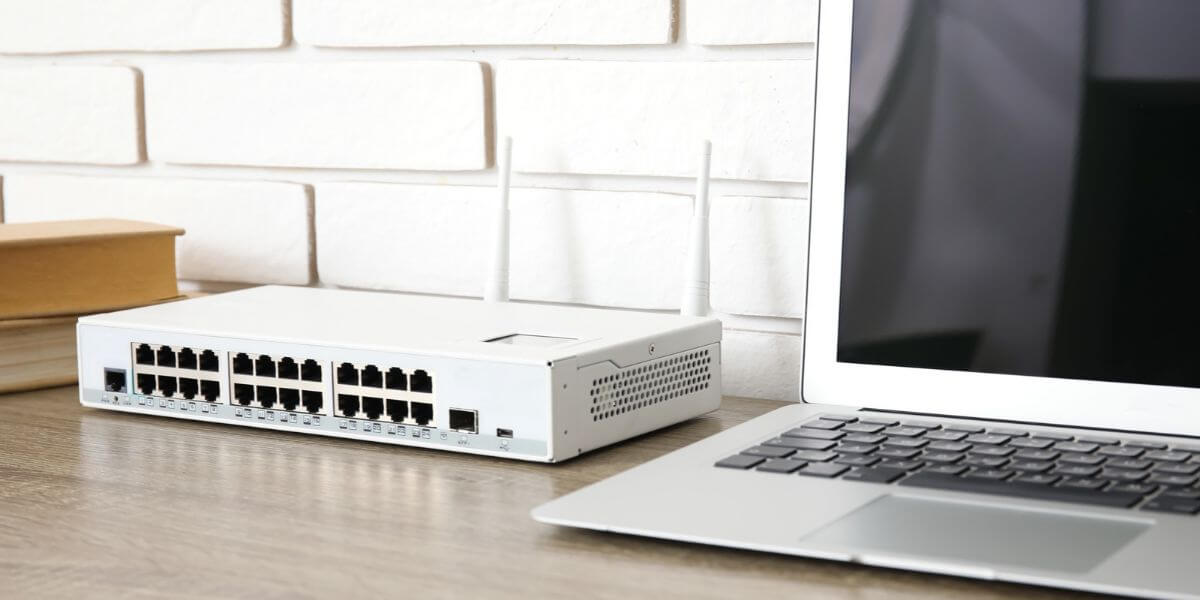
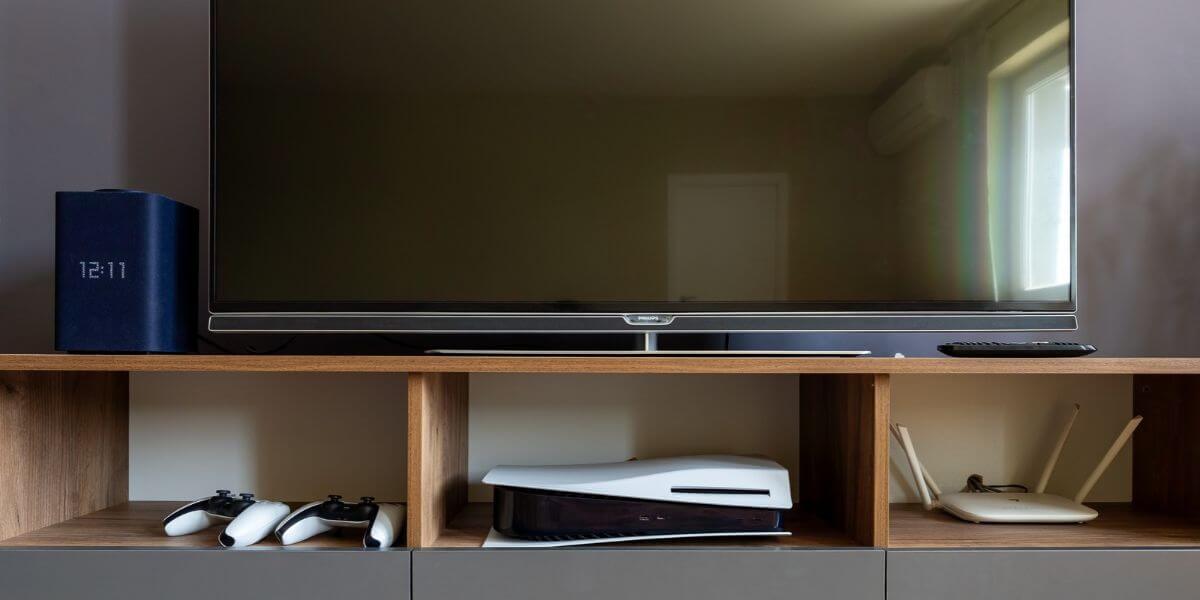
{ "@context": "https://schema.org", "@graph": [ { "@type": "Organization", "@id": "https://compareinternet.com/#organization", "name": "Blog", "logo": { "@type": "ImageObject", "@id": "https://compareinternet.com/#logo", "url": "https://content.isg.us/wp-content/uploads/2023/03/compare-internet-logo-compress.svg", "contentUrl": "https://content.isg.us/wp-content/uploads/2023/03/compare-internet-logo-compress.svg", "caption": "Blog", "inLanguage": "en-US", "width": "144", "height": "63" } }, { "@type": "WebSite", "@id": "https://compareinternet.com/#website", "url": "https://compareinternet.com/", "name": "https://compareinternet.com/", "publisher": { "@id": "https://compareinternet.com/#organization" }, "inLanguage": "en-US" }, { "@type": "ImageObject", "@id": "https://content.isg.us/wp-content/uploads/2026/11/ISG-_-CompareInternet-_-Hero-Image-Template-5.jpg", "url": "https://content.isg.us/wp-content/uploads/2026/11/ISG-_-CompareInternet-_-Hero-Image-Template-5.jpg", "width": "1200", "height": "750", "caption": "", "inLanguage": "en-US" }, { "@type": "BreadcrumbList", "@id": "https://compareinternet.com/blog/how-many-devices-can-wifi-handle/#breadcrumb", "itemListElement": [ { "@type": "ListItem", "position": "1", "item": { "@id": "https://compareinternet.com/", "name": "Home" } }, { "@type": "ListItem", "position": "2", "item": { "@id": "https://compareinternet.com/blog/", "name": "Blog" } }, { "@type": "ListItem", "position": "3", "item": { "@id": "https://compareinternet.com/blog/how-many-devices-can-wifi-handle/", "name": "How Many Devices Can My WiFi Handle?" } } ] }, { "@type": "WebPage", "@id": "https://compareinternet.com/blog/how-many-devices-can-wifi-handle/#webpage", "url": "https://compareinternet.com/blog/how-many-devices-can-wifi-handle/", "name": "DISH vs Cable | Infinity DISH", "datePublished": "2026-11-20T07:29:30+00:00", "dateModified": "2026-11-20T07:29:30+00:00", "isPartOf": { "@id": "https://compareinternet.com//#website" }, "primaryImageOfPage": { "@id": "https://content.isg.us/wp-content/uploads/2026/11/ISG-_-CompareInternet-_-Hero-Image-Template-5.jpg" }, "inLanguage": "en-US", "breadcrumb": { "@id": "https://compareinternet.com/blog/how-many-devices-can-wifi-handle/#breadcrumb" } }, { "@type": "Person", "@id": "https://compareinternet.com/sam-watanuki/", "name": "Sam Watanuki", "url": "https://compareinternet.com/sam-watanuki/", "image": { "@type": "ImageObject", "@id": "https://content.isg.us/wp-content/uploads/2026/07/Sam-Watanuki.png", "url": "https://content.isg.us/wp-content/uploads/2026/07/Sam-Watanuki.png", "caption": "Sam Watanuki", "inLanguage": "en-US" }, "worksFor": { "@id": "https://compareinternet.com/" } }, { "@type": "BlogPosting", "headline": "How Many Devices Can My WiFi Handle?", "keywords": "how many devices can wifi handle", "datePublished": "2026-11-20T07:29:30+00:00", "dateModified": "2026-11-20T07:29:30+00:00", "articleSection": "Blog", "author": { "@id": "https://compareinternet.com/sam-watanuki/", "name": "Sam Watanuki", "url": "https://compareinternet.com/sam-watanuki/" }, "publisher": { "@id": "https://compareinternet.com/#organization" }, "description": "How many devices can WiFi handle? Learn router limits, how devices share bandwidth, and when to upgrade your router, mesh system, or internet plan.", "name": "How Many Devices Can My WiFi Handle?", "@id": "https://compareinternet.com/#richSnippet", "isPartOf": { "@id": "https://compareinternet.com/#webpage" }, "image": { "@id": "https://content.isg.us/wp-content/uploads/2026/11/ISG-_-CompareInternet-_-Hero-Image-Template-5.jpg" }, "inLanguage": "en-US", "mainEntityOfPage": { "@id": "https://compareinternet.com/#webpage" } }, { "@context": "https://schema.org", "@type": "NewsArticle", "articleBody": "<p>If your <a href="https://www.compareinternet.com/blog/are-wifi-and-internet-the-same-thing/" target="_blank" rel="noopener">WiFi</a> feels sluggish after the holidays, you’re not imagining it. New phones, tablets, consoles, and smart gadgets all landed on one network at once.</p><p>Most routers can <em>connect</em> far more devices than you own, but every device shares the same pool of speed.</p><p>[search_block]</p><h2>How Many Devices Can WiFi Handle?</h2><p>Most <a href="https://www.compareinternet.com/blog/how-to-choose-a-new-router/" target="_blank" rel="noopener">home routers</a> can technically connect well over 100 devices, and that’s rarely the real problem. <a href="https://www.compareinternet.com/reviews/xfinity/" target="_blank" rel="noopener">Comcast</a> says its <a href="https://www.compareinternet.com/blog/what-is-wifi-7-key-improvements-explained/" target="_blank" rel="noopener">WiFi 7</a> gateway can power up to 300 connected devices [1], and <a href="https://www.compareinternet.com/reviews/T-Mobile/" target="_blank" rel="noopener">T-Mobile</a> lists a maximum recommended 256 for its G5 5G gateway [2]. Many <a href="https://www.compareinternet.com/" target="_blank" rel="noopener">internet providers</a> don’t publish a router device limit, so check your gateway’s spec page, not a forum post.</p><p>The average U.S. household owned 21 connected devices in Deloitte’s 2023 survey [3], well under most limits.</p><p>So why does “how many devices can a router handle” have two answers? Picture a dinner table. The connection limit is how many chairs fit around it. <a href="https://www.compareinternet.com/blog/bandwidth-vs-speed/" target="_blank" rel="noopener">Bandwidth</a>, the data your plan delivers each second, is how much food is on the table. You can seat 100 guests, but with one pizza, everyone goes hungry. Devices also take turns on the airwaves, so dozens of chatty gadgets can add delays even when they barely use data.</p><div id="attachment_13123" style="width: 1210px" class="wp-caption alignnone"><img loading="lazy" decoding="async" aria-describedby="caption-attachment-13123" class="size-full wp-image-13123 cap_c cap_cv c_color_w" src="https://content.isg.us/wp-content/uploads/2026/11/ISG-_-CompareInternet-_-In-Article-Image-Template-2-5.jpg" alt="router and computer with confused hands" width="1200" height="600" srcset="https://content.isg.us/wp-content/uploads/2026/11/ISG-_-CompareInternet-_-In-Article-Image-Template-2-5.jpg 1200w, https://content.isg.us/wp-content/uploads/2026/11/ISG-_-CompareInternet-_-In-Article-Image-Template-2-5-300x150.jpg 300w, https://content.isg.us/wp-content/uploads/2026/11/ISG-_-CompareInternet-_-In-Article-Image-Template-2-5-1024x512.jpg 1024w, https://content.isg.us/wp-content/uploads/2026/11/ISG-_-CompareInternet-_-In-Article-Image-Template-2-5-768x384.jpg 768w" sizes="auto, (max-width: 1200px) 100vw, 1200px" /><p id="caption-attachment-13123" class="wp-caption-text">Does the Number of Devices or What They’re Doing Matter More?</p></div><p>What each device is doing matters far more than how many you have. A smart plug sends tiny messages, while a <a href="https://www.compareinternet.com/blog/understanding-4k-streaming-is-ultra-hd-worth-it/" target="_blank" rel="noopener">4K stream</a> pulls heavy, steady data. Bandwidth per device looks like this:</p><table><tbody><tr><td><strong>Device or activity</strong></td><td><strong>Typical demand</strong></td></tr><tr><td>Smart plug, bulb, or sensor</td><td>A tiny fraction of 1 Mbps</td></tr><tr><td>1080p video stream</td><td>5 Mbps</td></tr><tr><td>4K video stream</td><td>15 Mbps</td></tr><tr><td>1080p security camera (uploading)</td><td>2–5 Mbps each</td></tr></tbody></table><p><a href="https://www.compareinternet.com/blog/what-is-the-best-internet-speed-for-netflix/" target="_blank" rel="noopener">Netflix recommends</a> 5 Mbps for 1080p and 15 Mbps for 4K [4], and our<a href="https://www.compareinternet.com/blog/best-internet-for-a-smart-home/" target="_blank" rel="noopener"> smart home internet guide</a> puts 1080p cameras at 2 to 5 Mbps of upload each. Ten smart bulbs cost almost nothing. Two 4K streams and a game download can eat the rest, which is how you get too many devices on WiFi without a huge device count.</p><h2>Do WiFi 6 and WiFi 7 Handle More Devices Better?</h2><p>Yes, with a catch. WiFi 6 arrived in 2019 with OFDMA (splitting one channel so the router can talk to several devices at once) and Target Wake Time, which lets gadgets sleep between check-ins [5]. In January 2024, the Wi-Fi Alliance began certifying WiFi 7, adding Multi-Link Operation, so a device can use multiple bands at once, plus 320 MHz channels, double the widest size before [6].</p><p>The catch is that your devices have to support the newer standard. An older phone on a WiFi 7 router still connects, but misses the perks. On <a href="https://www.compareinternet.com/blog/wifi-6e-vs-wifi-7-whats-the-difference/" target="_blank" rel="noopener">WiFi 6 vs WiFi 7</a> device capacity, both beat older routers in busy homes, and WiFi 7 pulls ahead mainly when many of your devices support it. WiFi 8 is coming, but our<a href="https://www.compareinternet.com/blog/wifi-8-vs-wifi-7-should-you-wait-or-buy-now/" target="_blank" rel="noopener"> WiFi 8 vs. WiFi 7 guide</a> explains why WiFi 7 is still the safer buy at the moment.</p><div id="attachment_13122" style="width: 1210px" class="wp-caption alignnone"><img loading="lazy" decoding="async" aria-describedby="caption-attachment-13122" class="size-full wp-image-13122 cap_c cap_cv c_color_w" src="https://content.isg.us/wp-content/uploads/2026/11/ISG-_-CompareInternet-_-In-Article-Image-Template-1-5.jpg" alt="router switch and laptop on desk" width="1200" height="600" srcset="https://content.isg.us/wp-content/uploads/2026/11/ISG-_-CompareInternet-_-In-Article-Image-Template-1-5.jpg 1200w, https://content.isg.us/wp-content/uploads/2026/11/ISG-_-CompareInternet-_-In-Article-Image-Template-1-5-300x150.jpg 300w, https://content.isg.us/wp-content/uploads/2026/11/ISG-_-CompareInternet-_-In-Article-Image-Template-1-5-1024x512.jpg 1024w, https://content.isg.us/wp-content/uploads/2026/11/ISG-_-CompareInternet-_-In-Article-Image-Template-1-5-768x384.jpg 768w" sizes="auto, (max-width: 1200px) 100vw, 1200px" /><p id="caption-attachment-13122" class="wp-caption-text">How Much Internet Speed Do I Need for Multiple Devices?</p></div><p>Add up what runs at the same time, not what’s plugged in. In March 2024, the FCC raised its benchmark for high-speed fixed broadband to <a href="https://www.compareinternet.com/blog/is-100-mbps-fast-internet-speed/" target="_blank" rel="noopener">100 Mbps</a> download and 20 Mbps upload, up from the 25/3 Mbps standard set in 2015 [7]. For a busy home, that’s a sensible floor. To estimate internet speed for multiple devices:</p><ol><li><strong>List your devices.</strong> Count phones, TVs, consoles, cameras, and speakers.</li><li><strong>Picture your busiest evening.</strong> Two 4K streams (30 Mbps) plus a 1080p stream (5 Mbps) is already 35 Mbps.</li><li><strong>Add heavy extras and a cushion.</strong> Tack on a console update or video call, then add about 20%.</li></ol><p>By that math, 100 Mbps looks like a minimum. Cameras and calls also lean on upload speed.</p><h2>What Are the Signs of Too Many Devices on WiFi?</h2><p>Is your WiFi slow with too many devices connected? You’ll usually notice:</p><ul><li>Video buffering in the evening but not the morning</li><li>Video calls freezing when someone else starts streaming</li><li><a href="https://www.compareinternet.com/blog/15-tips-to-reduce-gaming-lag/" target="_blank" rel="noopener">Game lag</a> that spikes when others are online</li><li>Smart devices randomly going offline</li><li>Wired computers testing fine while WiFi crawls</li></ul><div id="attachment_13124" style="width: 1210px" class="wp-caption alignnone"><img loading="lazy" decoding="async" aria-describedby="caption-attachment-13124" class="size-full wp-image-13124 cap_c cap_cv c_color_w" src="https://content.isg.us/wp-content/uploads/2026/11/ISG-_-CompareInternet-_-In-Article-Image-Template-7.jpg" alt="entertainment center with ps5, tv, router" width="1200" height="600" srcset="https://content.isg.us/wp-content/uploads/2026/11/ISG-_-CompareInternet-_-In-Article-Image-Template-7.jpg 1200w, https://content.isg.us/wp-content/uploads/2026/11/ISG-_-CompareInternet-_-In-Article-Image-Template-7-300x150.jpg 300w, https://content.isg.us/wp-content/uploads/2026/11/ISG-_-CompareInternet-_-In-Article-Image-Template-7-1024x512.jpg 1024w, https://content.isg.us/wp-content/uploads/2026/11/ISG-_-CompareInternet-_-In-Article-Image-Template-7-768x384.jpg 768w" sizes="auto, (max-width: 1200px) 100vw, 1200px" /><p id="caption-attachment-13124" class="wp-caption-text">How Do I Fix an Overloaded Network?</p></div><p>Work down this list in order of cost and stop when things improve. Our<a href="https://www.compareinternet.com/blog/how-to-set-up-your-internet-quick-guide/" target="_blank" rel="noopener"> router setup guide</a> helps if you’re moving gear.</p><ol><li><strong>Restart the router (free).</strong> It clears glitches that build up over weeks.</li><li><strong>Move devices (free).</strong> Plug TVs, consoles, and desktops into Ethernet. Put phones and laptops on the 5 GHz band, and leave 2.4 GHz for far-off smart gadgets.</li><li><strong>Set priorities (free).</strong> Use your provider’s app or your router’s<a href="https://www.compareinternet.com/blog/how-to-use-quality-of-service-qos-settings-for-different-household-priorities/" target="_blank" rel="noopener"> QoS settings</a> to favor video calls and gaming.</li><li><strong>Add mesh ($$).</strong> <a href="https://www.compareinternet.com/blog/mesh-wi-fi-vs-traditional-routers/" target="_blank" rel="noopener">Mesh WiFi</a> for lots of devices spreads the load across several nodes and fixes dead zones. Tri-band systems help most (see our<a href="https://www.compareinternet.com/blog/dual-band-vs-tri-band-wifi/" target="_blank" rel="noopener"> dual-band vs. tri-band guide</a>).</li><li><strong>Upgrade your plan ($$).</strong> If wired speeds are slow, the plan is the bottleneck.</li></ol><p>To know whether step 4 or 5 applies, plug a laptop into the router with Ethernet and run a <a href="https://speedtest.compareinternet.com/" target="_blank" rel="noopener">speed test</a>, then test over WiFi in your farthest room. If the wired result is far below what you pay for, you need a faster plan or a call to your provider. If wired is fine but WiFi isn’t, you need better coverage or a newer router. A new router won’t fix a plan that’s too slow, and a faster plan won’t fix weak WiFi coverage.</p><p>If it’s the plan, do an internet comparison before you renew. Internet prices averaged $81.16 per month nationwide as of March 2026, with big gaps by state [8]. On CompareInternet, you can<a href="https://www.compareinternet.com/reviews/compare-internet-providers/" target="_blank" rel="noopener"> compare internet providers</a> by ZIP code, find the best internet in your area, and compare internet plans side by side. Not every one of the best internet providers serves every address, so local options matter most.</p><p><strong>See what’s available in your area by using the zip code tool below.</strong></p><p>[search_block]</p><h2>FAQs</h2><h3>How many devices can connect to WiFi at once?</h3><p>Most modern home routers support 100 or more connections, and some provider gateways list 256 to 300. Performance usually drops well before that cap, because active devices share the same bandwidth.</p><h3>Does my internet plan limit how many devices I can connect?</h3><p>Usually not directly. Your plan sets your total speed, while your router sets the connection limit. Extra devices don’t cost more, but they split the same speed.</p><h3>Will mesh WiFi fix too many devices?</h3><p>Only if the problem is coverage or one overloaded router. Mesh spreads connections across nodes and helps signals reach every room, but it can’t create speed your plan doesn’t provide.</p><h3>Is WiFi 7 worth it for a crowded home?</h3><p>It can be if many of your phones, laptops, and TVs support WiFi 7. If most are older, a WiFi 6 router often delivers similar crowded-home benefits for less money.</p><h2>Sources</h2><p>[1]<a href="https://corporate.comcast.com/wifi" target="_blank" rel="noopener"> Comcast. “Fast, Smart, Reliable, and Everywhere – Our WiFi is Redefining Internet Connectivity.”</a></p><p>[2]<a href="https://www.t-mobile.com/support/home-internet/5g-gateway-g5" target="_blank" rel="noopener"> T-Mobile. “T-Mobile 5G Gateway (G5AR and G5SE).”</a></p><p>[3]<a href="https://www2.deloitte.com/us/en/insights/industry/telecommunications/connectivity-mobile-trends-survey/2023/connectivity-mobile-trends-survey-full-report.html" target="_blank" rel="noopener"> Deloitte. “2023 Connectivity and Mobile Trends Survey.”</a></p><p>[4]<a href="https://help.netflix.com/en/node/306" target="_blank" rel="noopener"> Netflix. “Netflix-recommended internet speeds.”</a></p><p>[5]<a href="https://kb.netgear.com/000059637/How-is-Wi-Fi-6-different-from-Wi-Fi-5" target="_blank" rel="noopener"> NETGEAR. “How is Wi-Fi 6 different from Wi-Fi 5?”</a></p><p>[6]<a href="https://wi-fi.org/news-events/newsroom/wi-fi-alliance-introduces-wi-fi-certified-7" target="_blank" rel="noopener"> Wi-Fi Alliance. “Wi-Fi Alliance introduces Wi-Fi CERTIFIED 7.”</a></p><p>[7]<a href="https://docs.fcc.gov/public/attachments/DOC-401205A1.pdf" target="_blank" rel="noopener"> FCC. “FCC Increases Broadband Speed Benchmark.”</a></p><p>[8]<a href="https://broadbandnow.com/research/home-internet-costs-by-state" target="_blank" rel="noopener"> BroadbandNow. “The Cost of Staying Connected in 2026.”</a></p>", "headline": "How Many Devices Can My WiFi Handle?", "articleSection": "Gear & Equipment", "datePublished": "2026-11-20T07:29:30+00:00", "dateModified": "2026-11-20T07:29:30+00:00", "publisher": [{ "@type": "Organization", "name": "Compare Internet", "logo": { "@type": "ImageObject", "url": "https://www.compareinternet.com/wp-content/uploads/2023/02/Compare-Internet-white.png", "width": 1350, "height": 360 }, "alternateName": "Compare Internet" }], "author": [{ "@type": "Person", "name": "Sam Watanuki", "url": "https://compareinternet.com/authors/sam-watanuki/", "jobTitle": "Sam Watanuki", "image": { "@type": "ImageObject", "url": "https://content.isg.us/wp-content/uploads/2026/07/Sam-Watanuki.png", "height": 337, "width": 337 } }], "image": [{ "@type": "ImageObject", "url": "https://content.isg.us/wp-content/uploads/2026/11/ISG-_-CompareInternet-_-Hero-Image-Template-5.jpg", "height": 1200, "width": 750 }], "description": "How Many Devices Can My WiFi Handle?", "wordCount": "2045", "mainEntityOfPage": "https://compareinternet.com/blog/how-many-devices-can-wifi-handle/" } ] }
Use code: KALA & receive a $50 gift card with your order!